
How do I approve/ reject any leave request?
- Login to your LegalXGen Account.
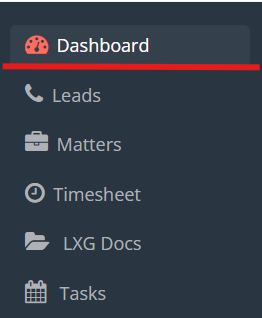
- Go to ‘Dashboard‘.
- On your Dashboard, you’ll see ‘Leave Approvals’ on your bottom right.
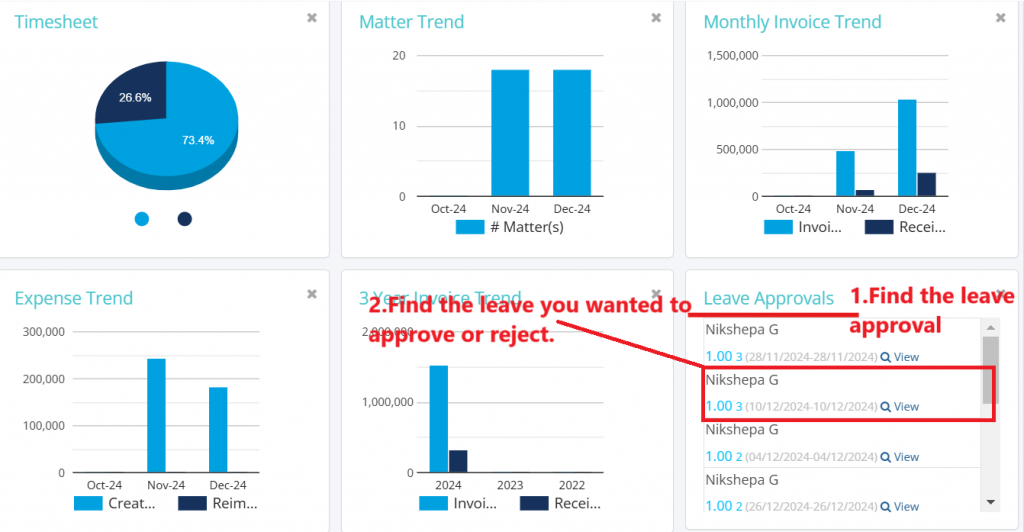
- Find the leave you wanted to Approve or reject and click on ‘View‘.
- Give the comment, Click on Approve or Reject button based on the condition.
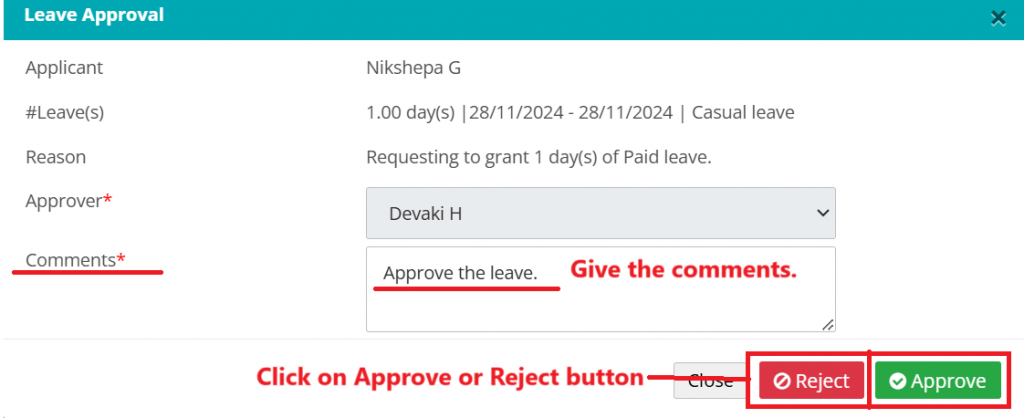
Note: An email is triggered to you and concern partner along with the approval/ rejection information.