How to print any document?
- Logon to your Legalxgen Account.
- Go to Docs menu on your left (usually it starts with your firm name like ‘Legalxgen Docs‘)

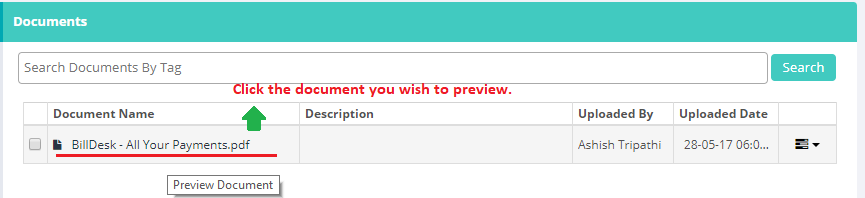
- Identify the document you wish to print. Click on the document name to preview.
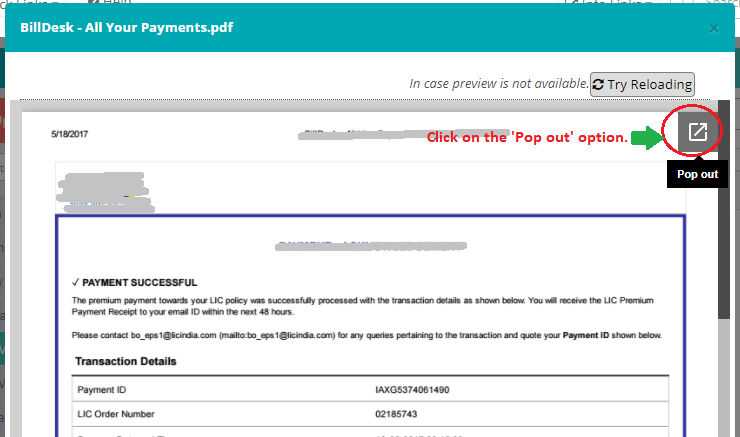
- You’ll see a ‘Pop out‘ button on your right, click on it.
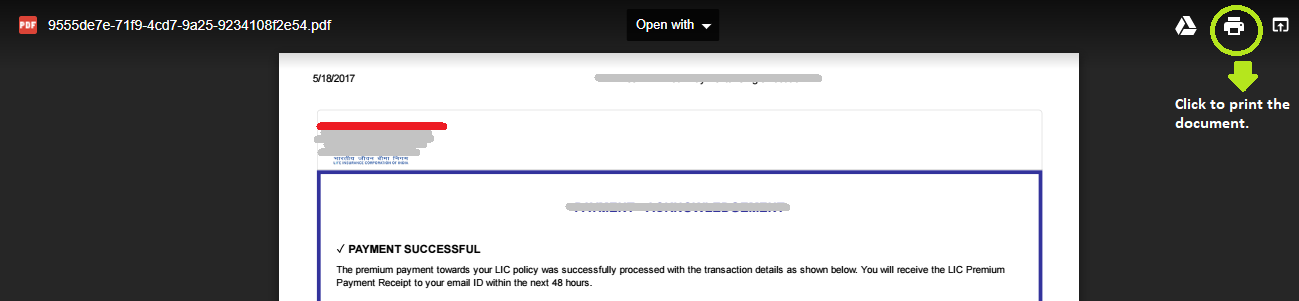
- In the new window you’ll see an option to print the document.