
How to install LxSync?
- Download LxSync Setup.

- You’ll see LxSync.zip file at your download location
- Copy it (LxSync.zip file) to the Location where you wish to place it. C, D, E etc
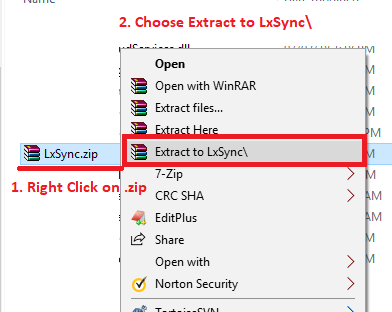
- Unzip this LxSync.zip file to extract the content. You may right click on the LxSync.zip, you’ll see an option to unzip it.
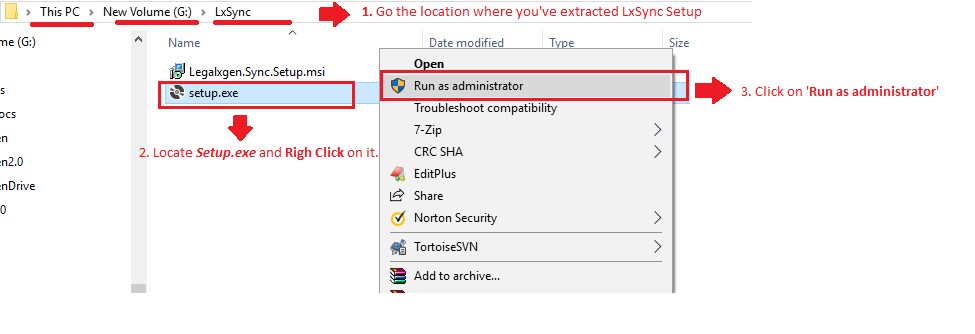
- Go to the path where you’ve extracted the setup.
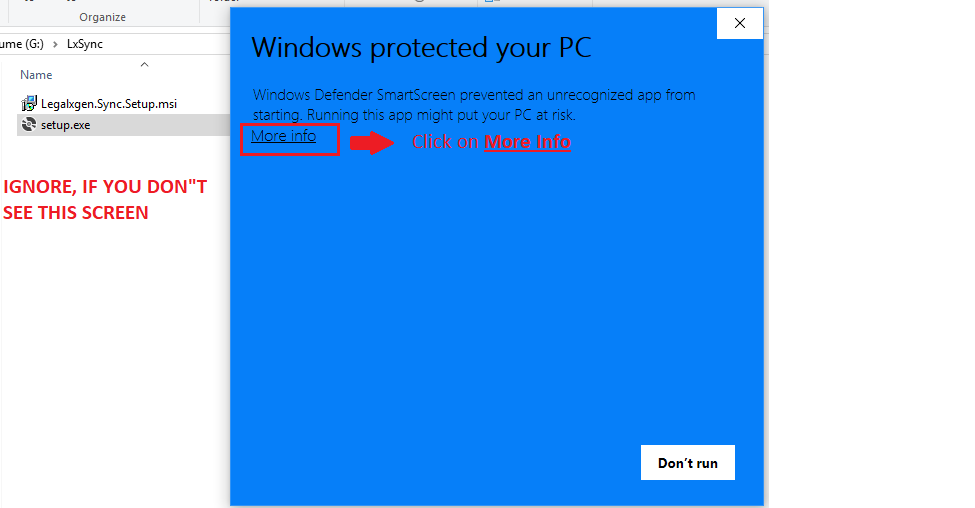
- Click on More Info. Ignore if this screen does not appears for you.
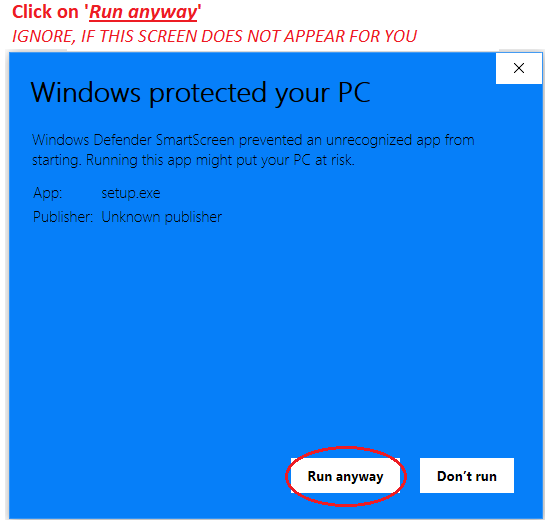
- Click on Run anyway. Ignore if this screen does not appears for you.
- Click on Next.
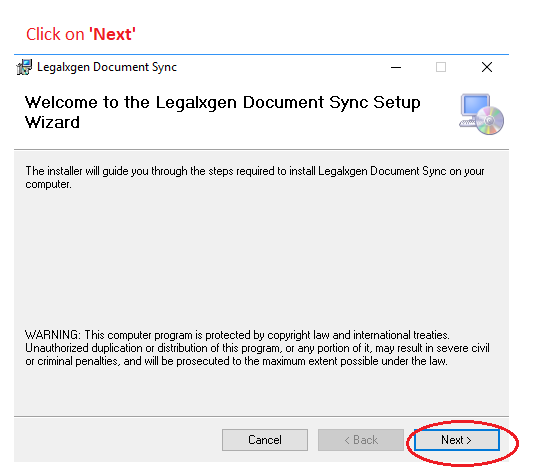
- Click on Next.
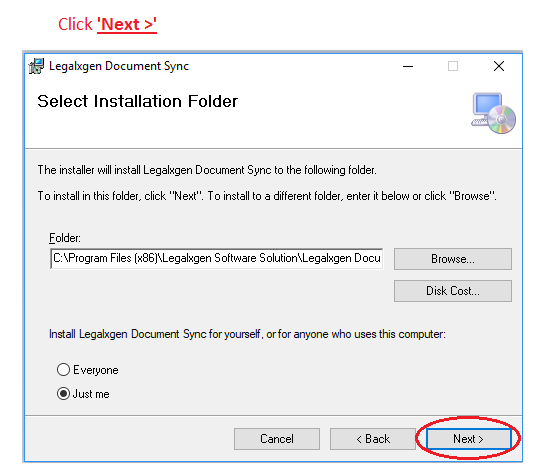
- Click on Next.
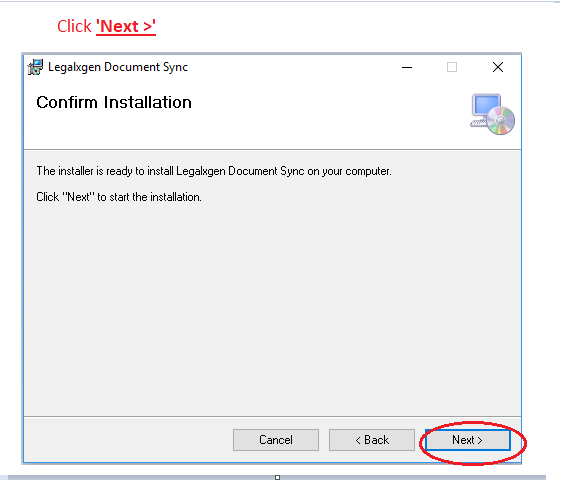
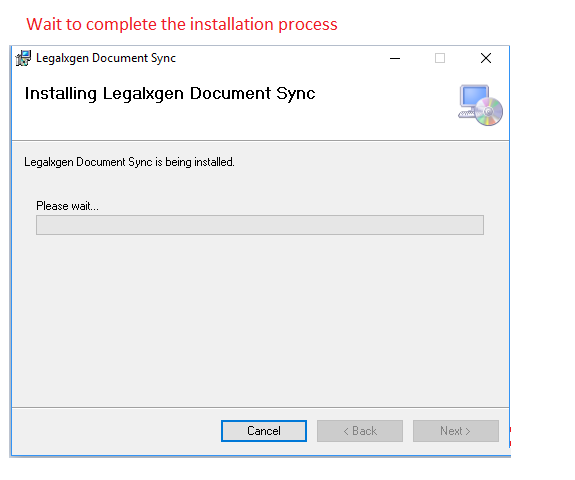
- Wait for installation to complete.
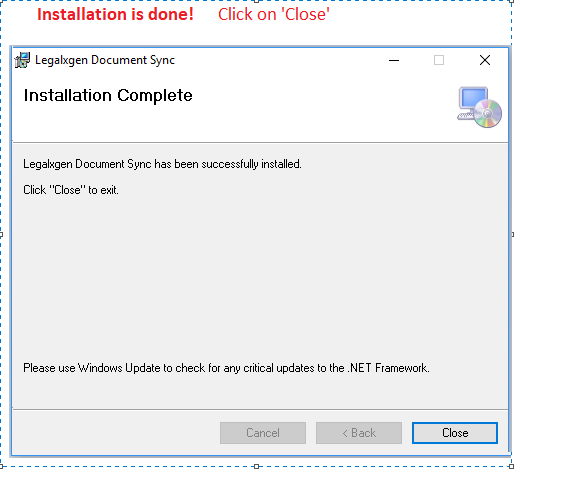
- Congratulations!! You’re done with the installation of LxSync. Click on Close
- On your Desktop you’ll see LxSync shortcut to launch the application.