
How to Create New Expense Categories ?
Watch the steps. (01:27 Secs)
Or, follow the steps below:
- Logon to LegalXGen
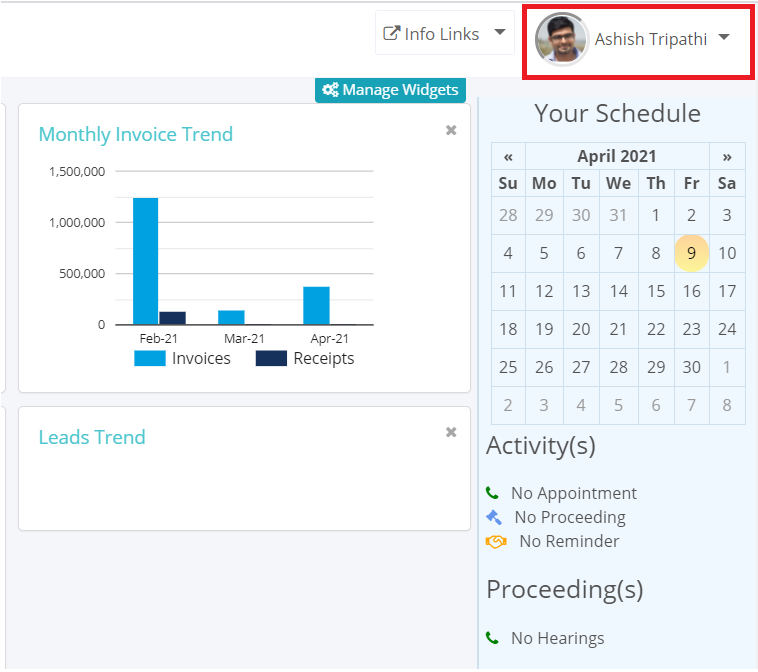
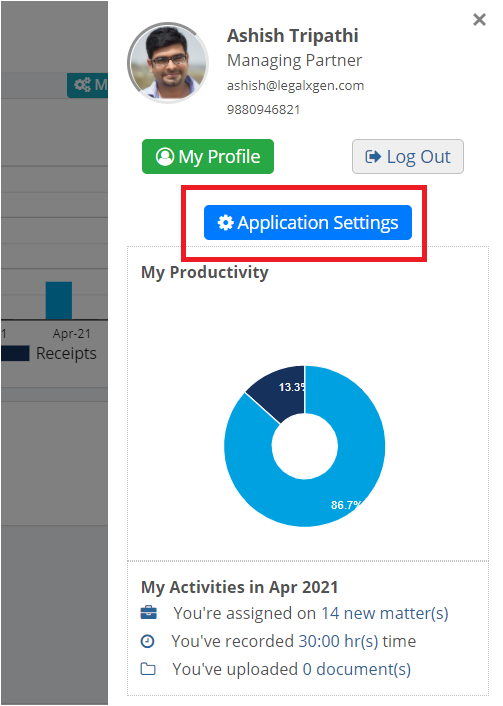
- Go to My Profile >> Application Settings
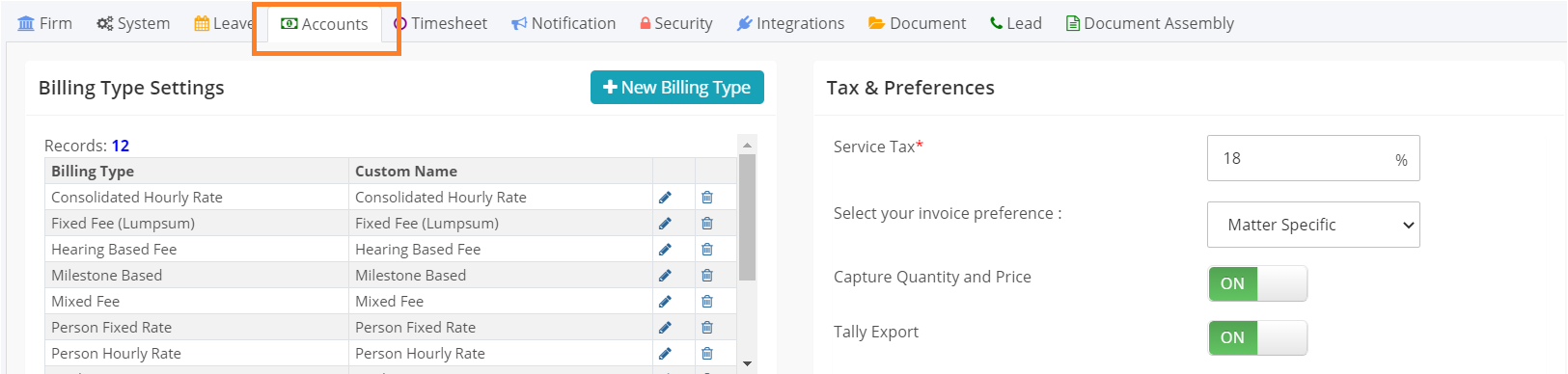
- Click on the Accounts tab
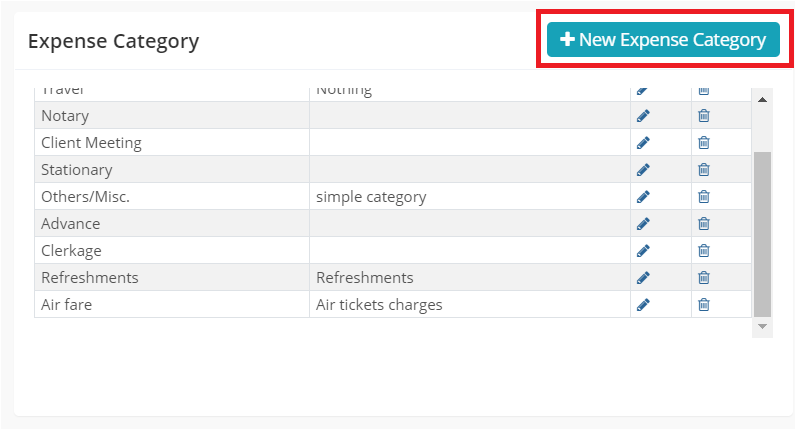
- Scroll to the Expense Category panel and Click on the New Expense Category button
- Enter the Expense category Name
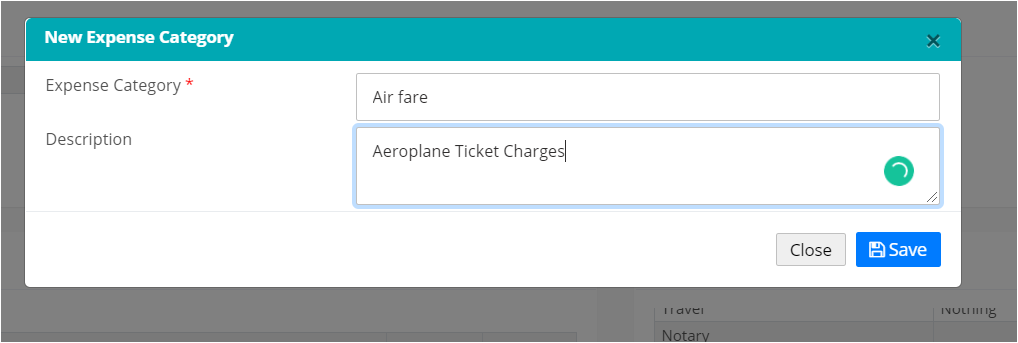
- Enter the description (it’s optional)
- Click on Save